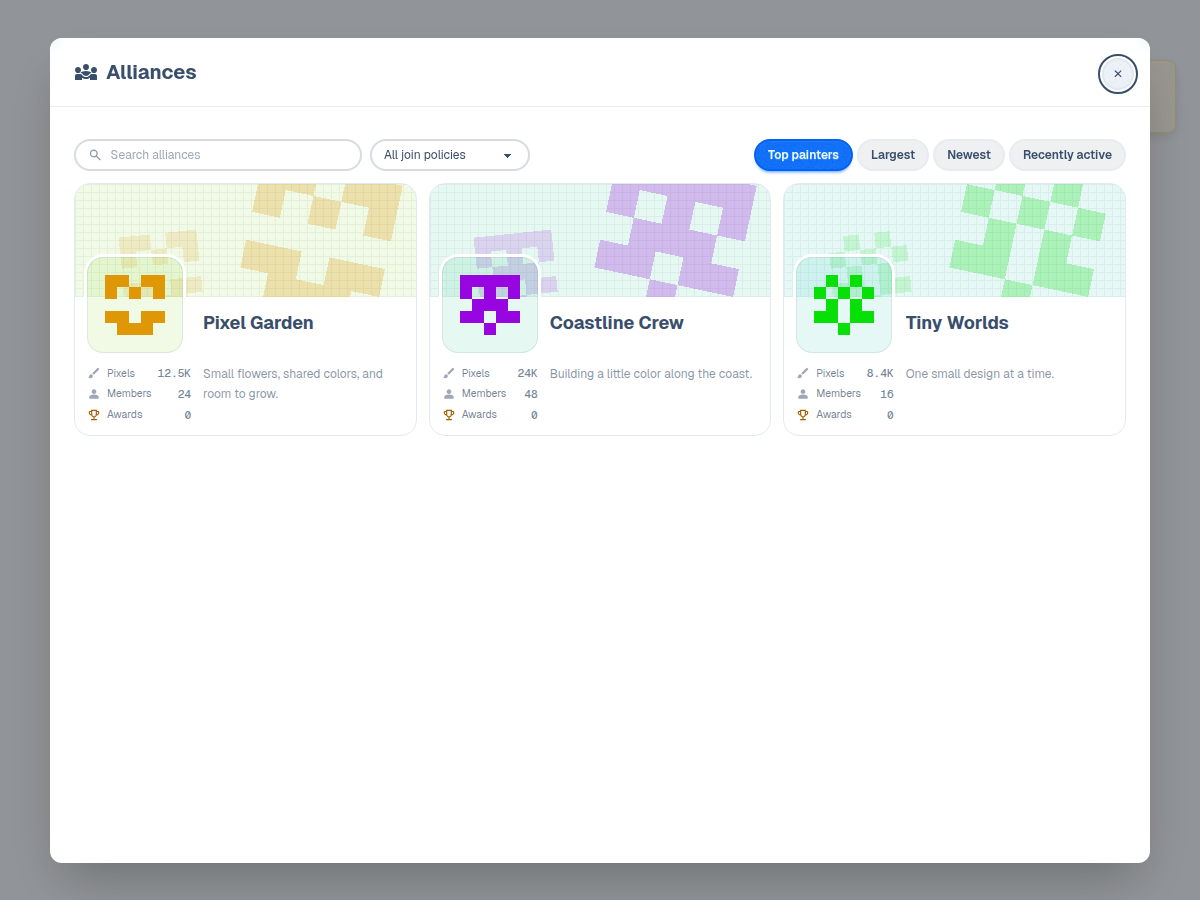
A guide to Wplace alliances
Find people to paint with, plan a shared build, and learn how alliance overlays and headquarters help your group collaborate.
Find an alliance
Log in and open Alliances from the map to browse groups. Check a group's description and join policy before joining. Open groups let you join directly; others review requests or require an invitation. An invite link opens a confirmation before you join.
- How new members get in: freely, after review, or only with an invite
Create together
Agree on the design, map position, and which area or color each person will paint. Use the same overlay so everyone follows the same reference. Alliance roles control who can manage members, shared artwork, and settings; joining does not grant every permission.
Unlock the Headquarters
Create a collaborative canvas for your alliance, anchored to a spot on the world map. Members paint it together using a dedicated charge pool.
Headquarters painting uses its own charges, separate from the world map. Each pixel spends one headquarters charge, and these refill over time. Coordinate with your group before changing shared artwork or moving a build.
- Only the alliance leader can unlock the headquarters.
Decide what to share
Check the audience before sharing alliance artwork. Headquarters can be public or restricted to members. Making previously public artwork members-only blocks future public access, but cannot remove copies someone already downloaded.